Images In Single Post
This is page shows how to insert single images into content text. There are
multiple ways - via makrdown notation or hugo keyword figure.
Disable gallery
If you decide to insert images (stored in a subdirectory of the post) manually
to the text, it could be handy to disable disable automatic generated image gallery at the bottom
of the page. This can be configured in page front matter - the boolean attribute hide_gallery. Setting
the value to false will disable gallery
Example:
---
title: Images In Single Post
hide_gallery: true
---
Large Image
If the large is wider than content area, it is automatically fitted into content width. Following markdown instruction:

will render image as:

and same using hugo figure with caption shown below the image:
{{< figure src="images/brousek.jpg" alt="Jeseniky" caption="Jeseniky" >}}
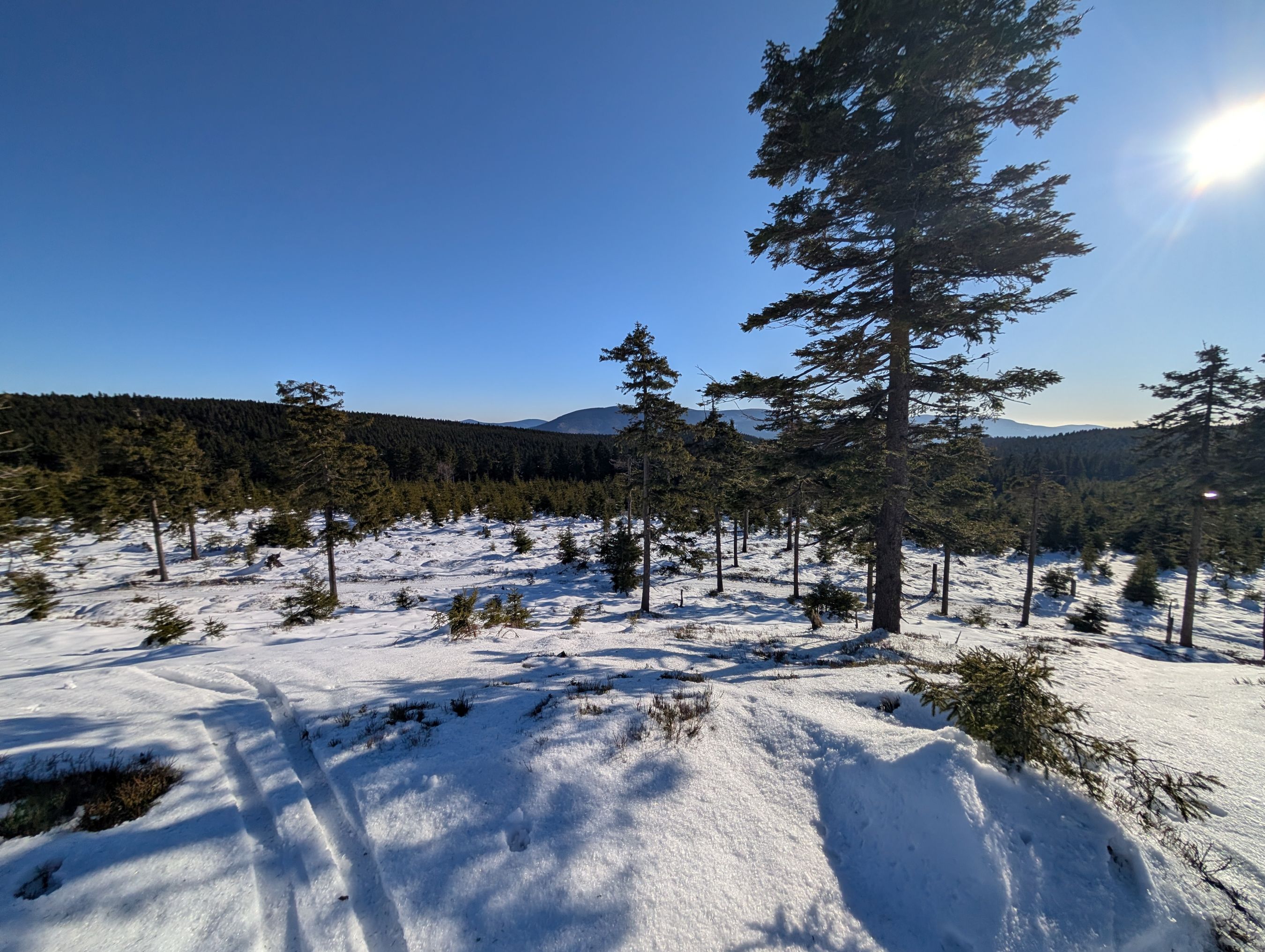
Jeseniky
Small Image
If the image is to small to occupy full width of the content area, it will be displayed in it’s real size:


Hugo figure works differently here, it expands the picture to occupy full
width of the content area:
{{< figure
    src="images/butterfly.jpg"
    alt="Butterfly"
    caption="Butterfly"
>}}
Butterfly
There is a possibility to display it in real size and centered:
{{< figure
    src="images/butterfly.jpg"
    alt="Butterfly"
    caption="Butterfly"
    class="real"
>}}
Butterfly