Galleries
If there are some images stored as resources for given page, theme will render interactive image gallery at the bottom of the page. This example also demonstrate how to use resources metadata to describe and order images.
The params for the single image can contain following parameters:
params.weight- (optional) number which specify order of the image. Lower values will sort images to the beginning. The weight could be negative and must be quoted.params.featured- (optional) true/false value to specify that given image will be used on higher levels (e.g. in list of blog posts) to represent the current page/post.params.gallery- (optional) number which specifies which gallery image belongs to. This brings possibility to group images into multiple galleries. Gallery with index 0 has special meaning - image will be hidden.
Example:
Resources for images from subdirectory. Note that negative weights are used as
well as gallery: 0 to hide specific image.
---
title: Galleries
resources:
- src: images/dsc00308_sharp.jpg
  title: Evening fire
  params: {weight: "-20"}
- src: images/dsc00309_sharp.jpg
  title: Place called Paprsek
  params: {weight: "-10"}
...
- src: images/dsc00348_sharp.jpg
  title: Hranicky
  params: {weight: "80", gallery: 0}
...
---
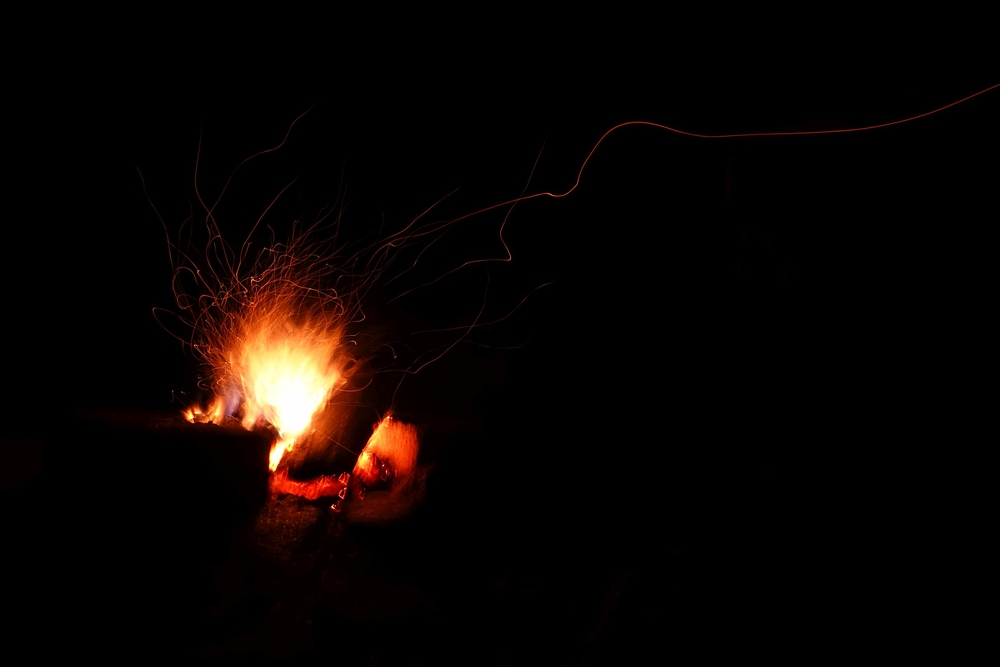
Evening fire

Place called Paprsek
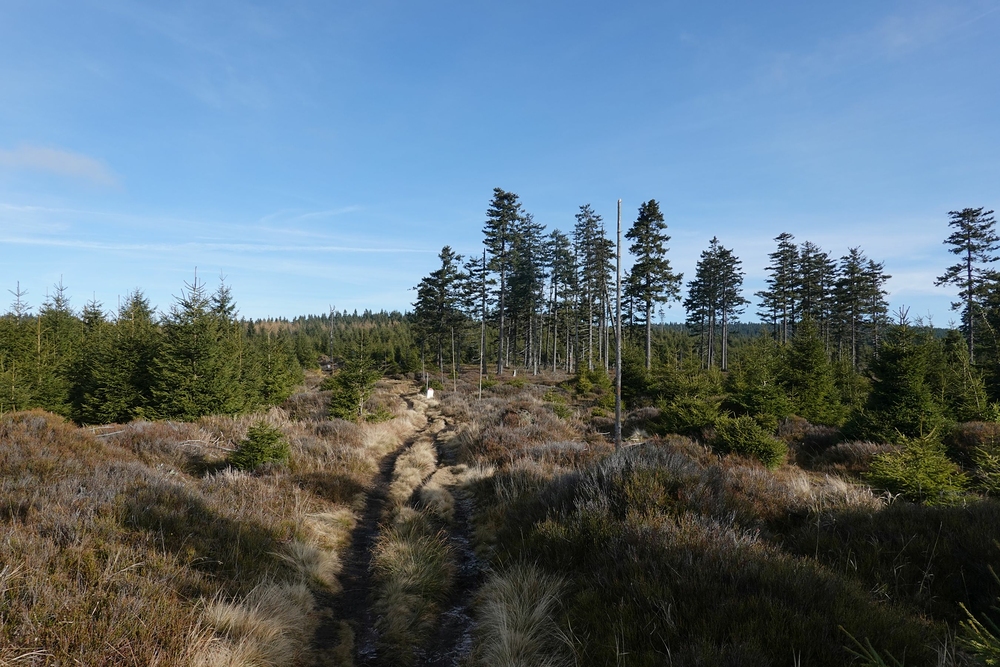
On the border ridge
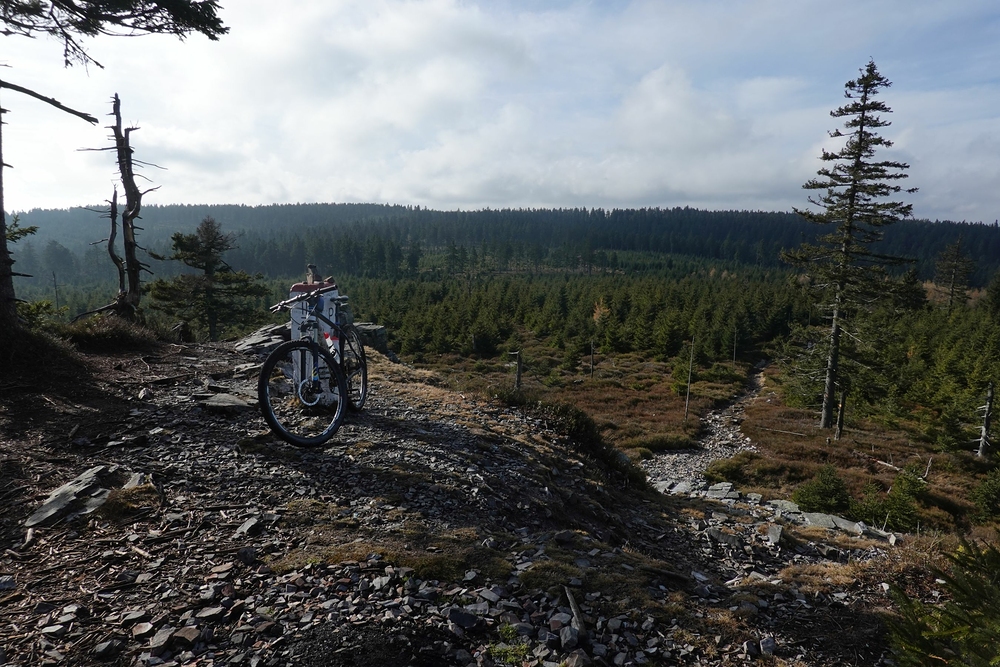
Brousek top
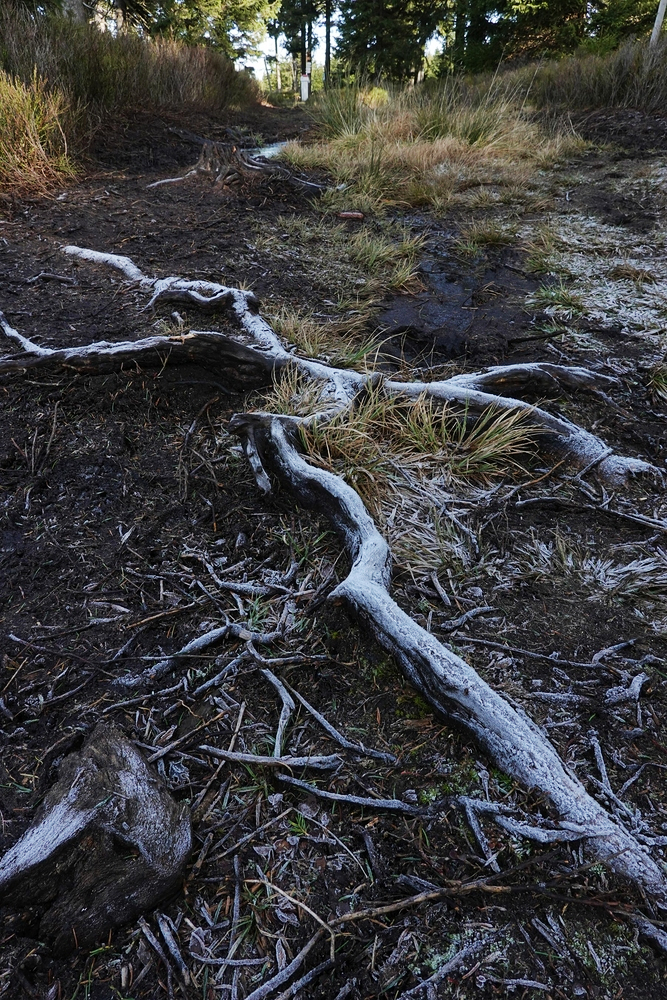
Frozen roots
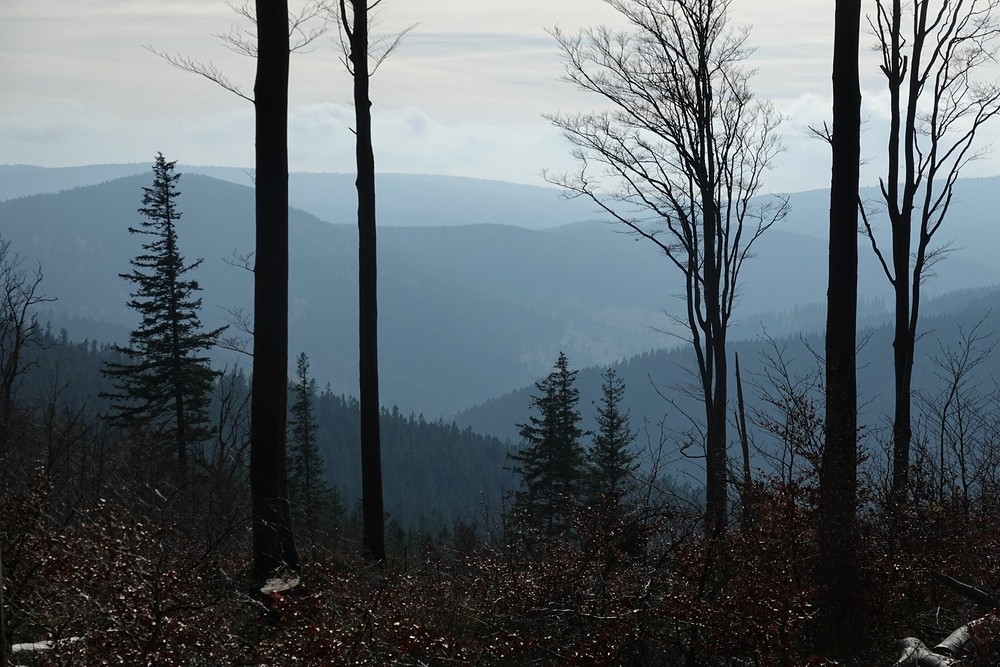
Nice view from the ridge
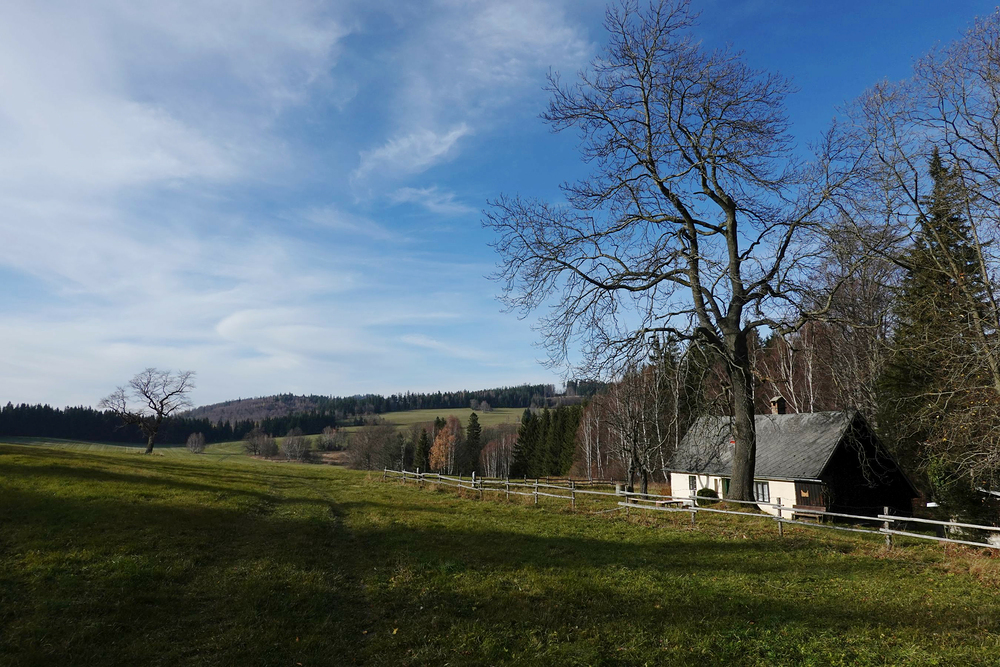
Hranicky
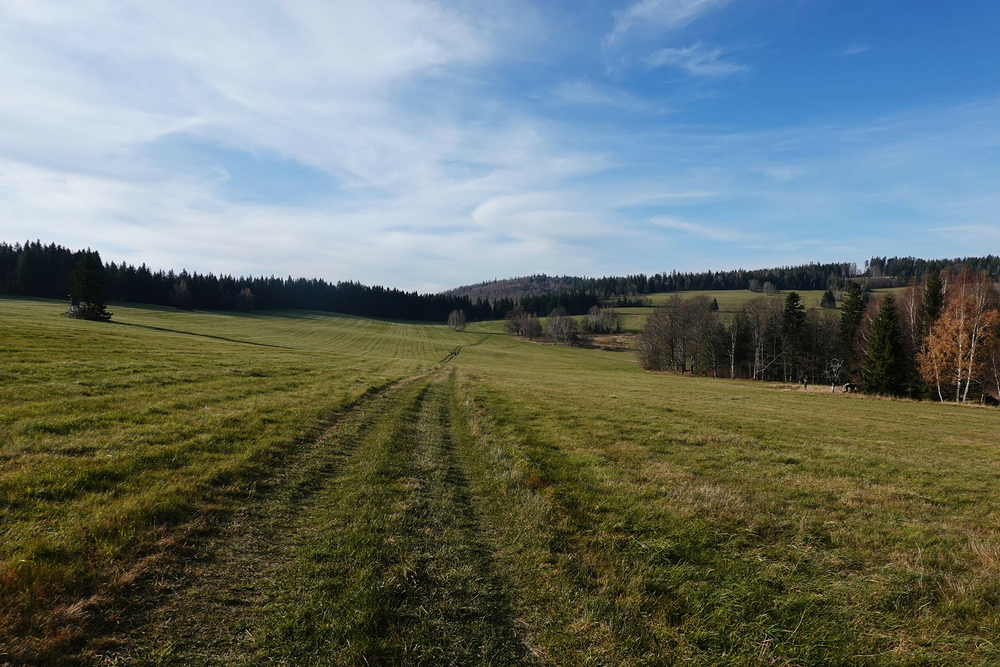
Hranicky
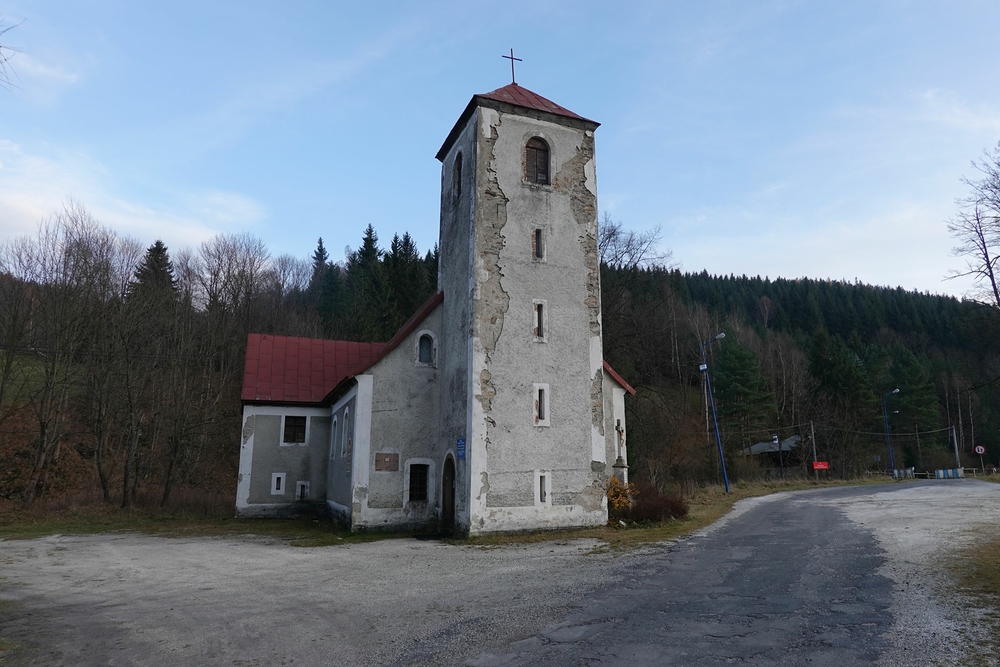
Bielice in Poland